
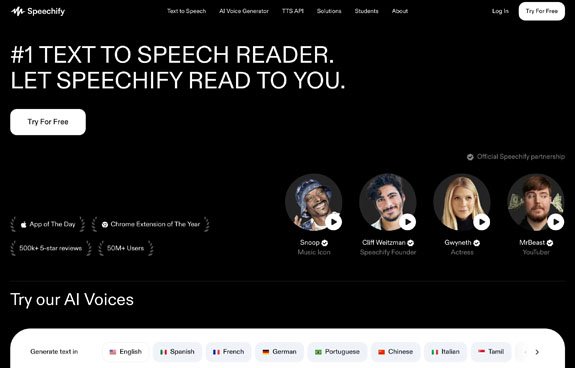
Speechify
★★★★☆ 4.6/5 (App Store/Play)
Text-to-speech app with natural AI voices, helpful for struggling readers
Speechify
Speechify is a leading text-to-speech application that converts articles, PDFs, books, and web content into audio at customizable speeds. Teachers can use Speechify to make content more accessible for students who are auditory learners or those with reading difficulties. Students can listen to readings while commuting, exercising, or reviewing material in new ways, improving retention and accessibility. Parents can support children who struggle with traditional reading, such as students with dyslexia or ADHD, by enabling them to access materials through audio. Best suited for upper elementary through college learners needing flexible, accessible learning formats.
Key Features: Reads any text or PDF in realistic voices; adjustable speed; highlights text as it reads.
Pricing: Free,
Premium
Best For: Secondary
Limitations (If Any): Premium is expensive; voice mispronunciation happens occasionally.
Accessibility: Wide range of voices and languages; helps students focus on content over decoding.
Disclaimer: Prices listed are for reference only and may change without notice. Visit Speechify’s official website for the latest pricing details.
Search for More Accessibility Tools Tools
-
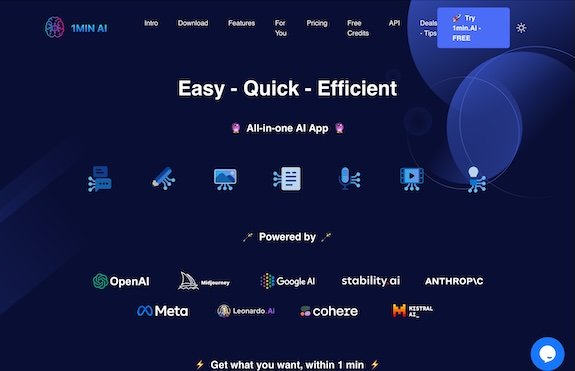
1min.AI
A multi-functional AI platform offering summarization, blog generation, image background removal, text-to-speech, and more.
-
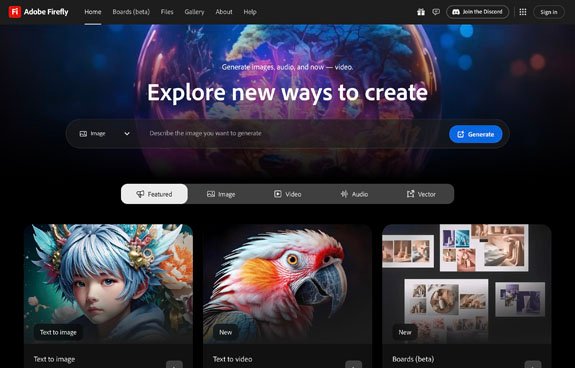
Adobe Firefly
Creative AI tools for generating images and text effects
-
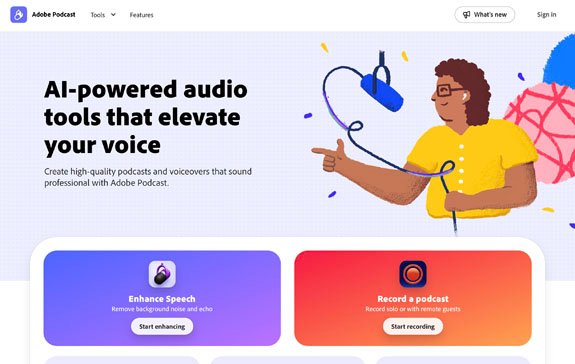
Adobe Podcast (Enhance Speech)
Enhances recorded audio to studio quality using AI
-
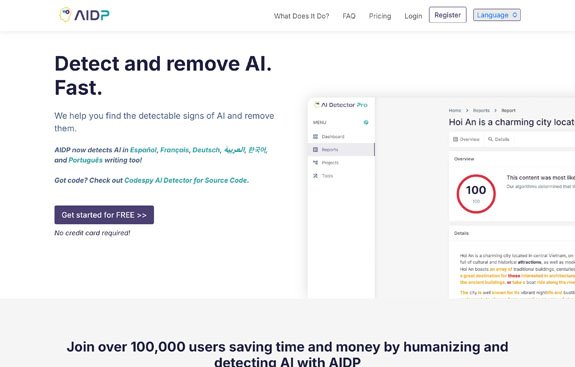
AI Detector Pro
Detect AI-generated text quickly and accurately
-
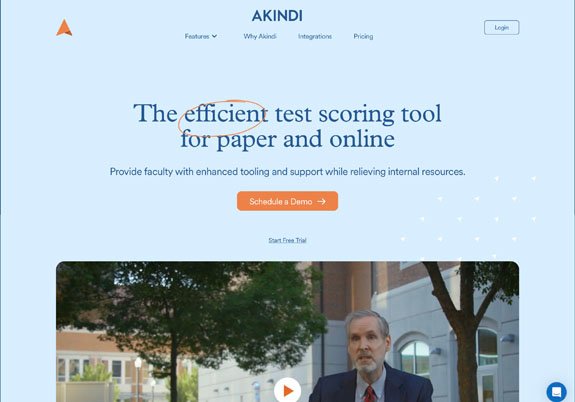
Akindi
Bubble-sheet assessment grader via any scanner (Scantron alternative)
-
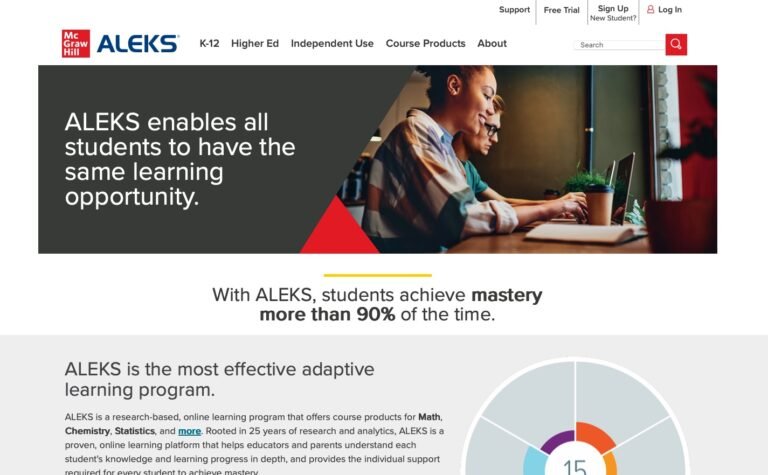
ALEKS
AI-driven math and science learning system mapping each student’s knowledge