Tools-AI

  • Blooket

    Blooket is an educational gaming platform where teachers can create quizzes that are played in competitive game formats. Students earn points, level up characters, and compete in various modes, making learning fun and engaging. Teachers use Blooket for formative assessments, review sessions, or homework. Parents can set up home challenges for study practice. Supports active…
  • Brainly (Ask AI)

    Brainly’s Ask AI feature enables students to get AI-powered explanations for homework questions rather than simple answers. It supports step-by-step learning and conceptual understanding. Teachers can recommend Brainly as a support tool for after-school study. Parents can encourage children to use it responsibly to reinforce concepts instead of relying on quick answers. Best for middle…

  • Brisk Teaching

    Brisk Teaching is an AI-powered educator assistant that streamlines assignment creation, rubric development, grading, and differentiation. Teachers use it to rapidly generate personalized instructional materials while maintaining rigor and standards alignment. Parents supporting homeschooling or enrichment activities can create customized learning tasks. Brisk Teaching promotes efficiency and instructional quality for K–12 education.

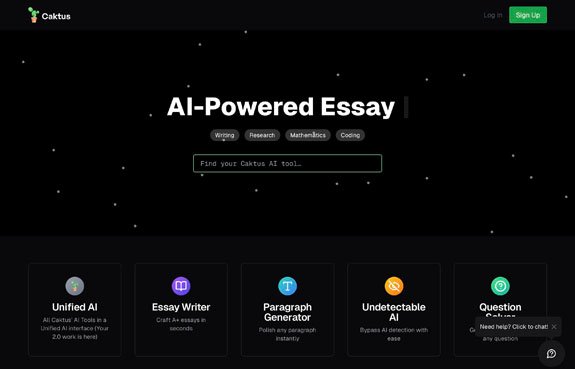
  • Caktus AI

    Caktus AI offers writing assistance, coding help, STEM project support, and academic productivity tools tailored to students. Teachers can use it to facilitate brainstorming or coding exercises with guidelines for ethical AI use. Parents should monitor and encourage Caktus AI usage for learning reinforcement rather than shortcutting. Best for high school and college students seeking…

  • Canva Magic Studio

    Canva Magic Studio expands Canva’s traditional design capabilities with AI-powered tools like Magic Write for text generation, Magic Edit for image manipulation, and Magic Design for auto-layouts. Teachers can create engaging instructional content quickly, students can enhance project visuals, and parents can assist with creative schoolwork. Suitable for Grades 4 and up, fostering digital design…

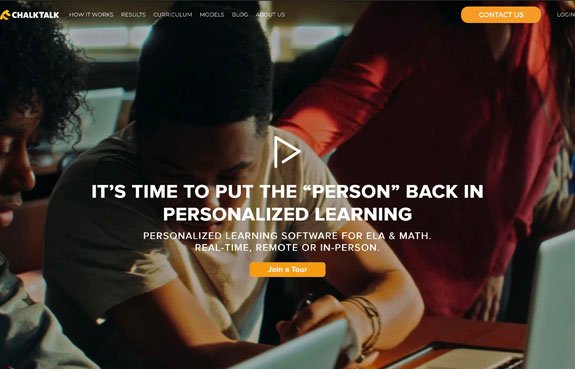
  • ChalkTalk

    ChalkTalk is an adaptive learning platform that automatically generates personalized ELA and math lessons based on specific learning goals input by teachers. It supports differentiated instruction and standards-based planning for Grades 5–12 classrooms. Teachers use ChalkTalk to tailor lessons to student needs without extensive prep work.

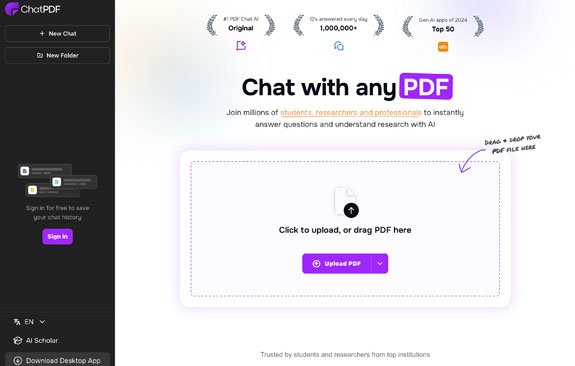
  • ChatPDF

    ChatPDF allows users to upload PDFs—such as textbooks, academic papers, or curriculum documents—and interact with them conversationally. Students and teachers can ask questions, get summaries, and find important sections instantly. Parents can assist children in breaking down dense reading assignments. Best for Grades 6 and up, it enhances reading comprehension and academic research.

  • Chegg

    Chegg provides academic support services, including textbook rentals, homework help, and AI tutoring. Parents and teachers should guide students to use it responsibly for learning, not just answer finding. Best for high school and college students.

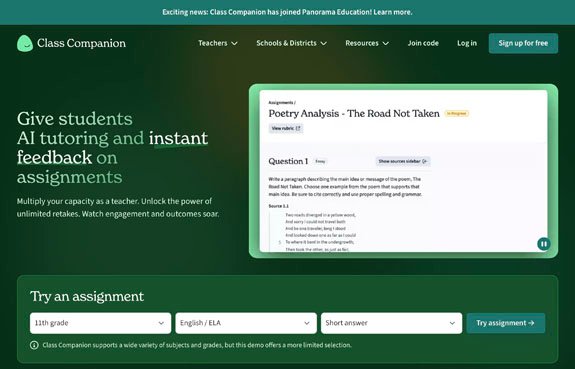
  • Class Companion

    Class Companion uses AI to deliver immediate, standards-aligned feedback on student writing assignments. Teachers upload student work, and students receive customized revision advice. Encourages self-improvement and saves teachers grading time. Suitable for middle and high school students.

End of content

End of content